Arrange images however you like
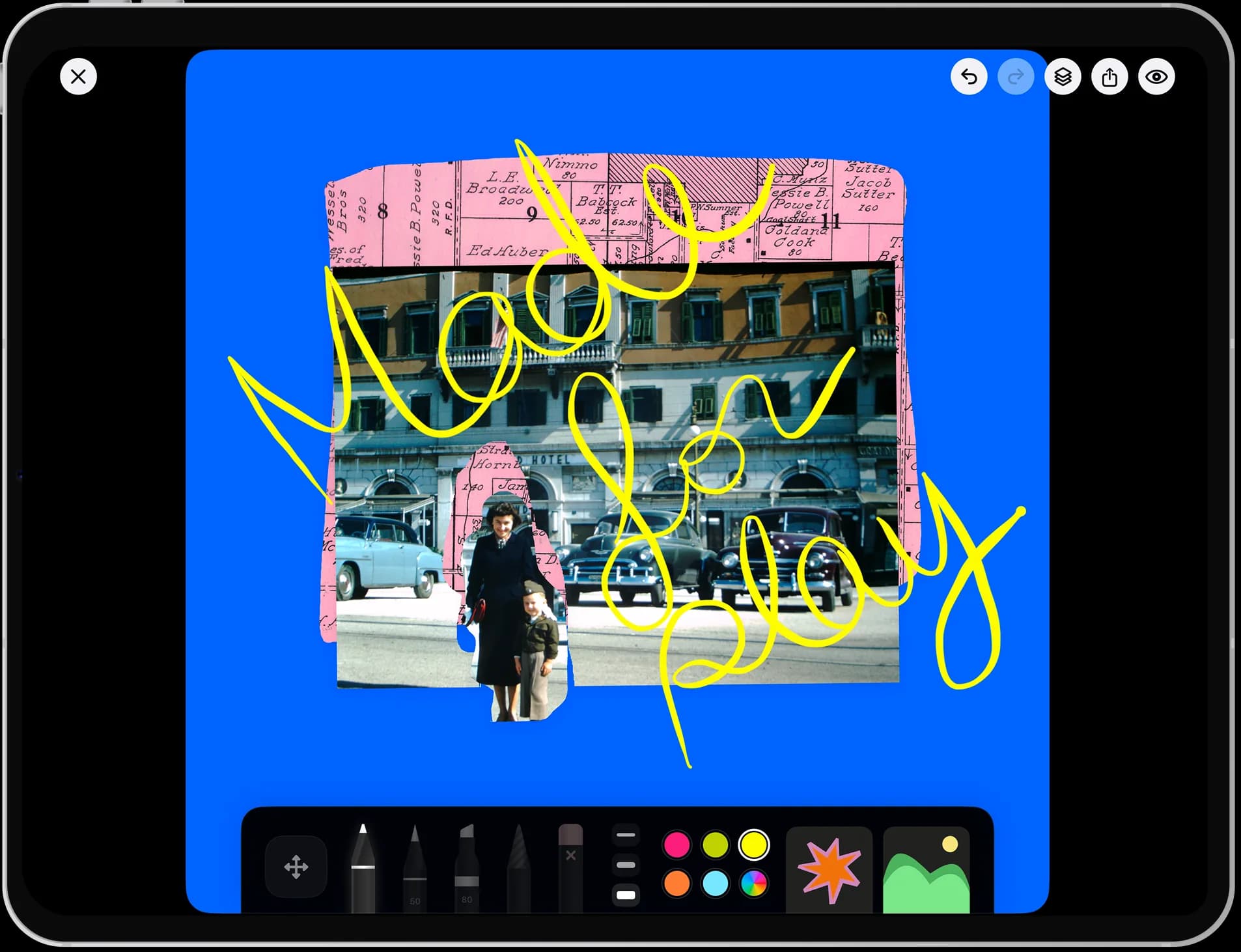
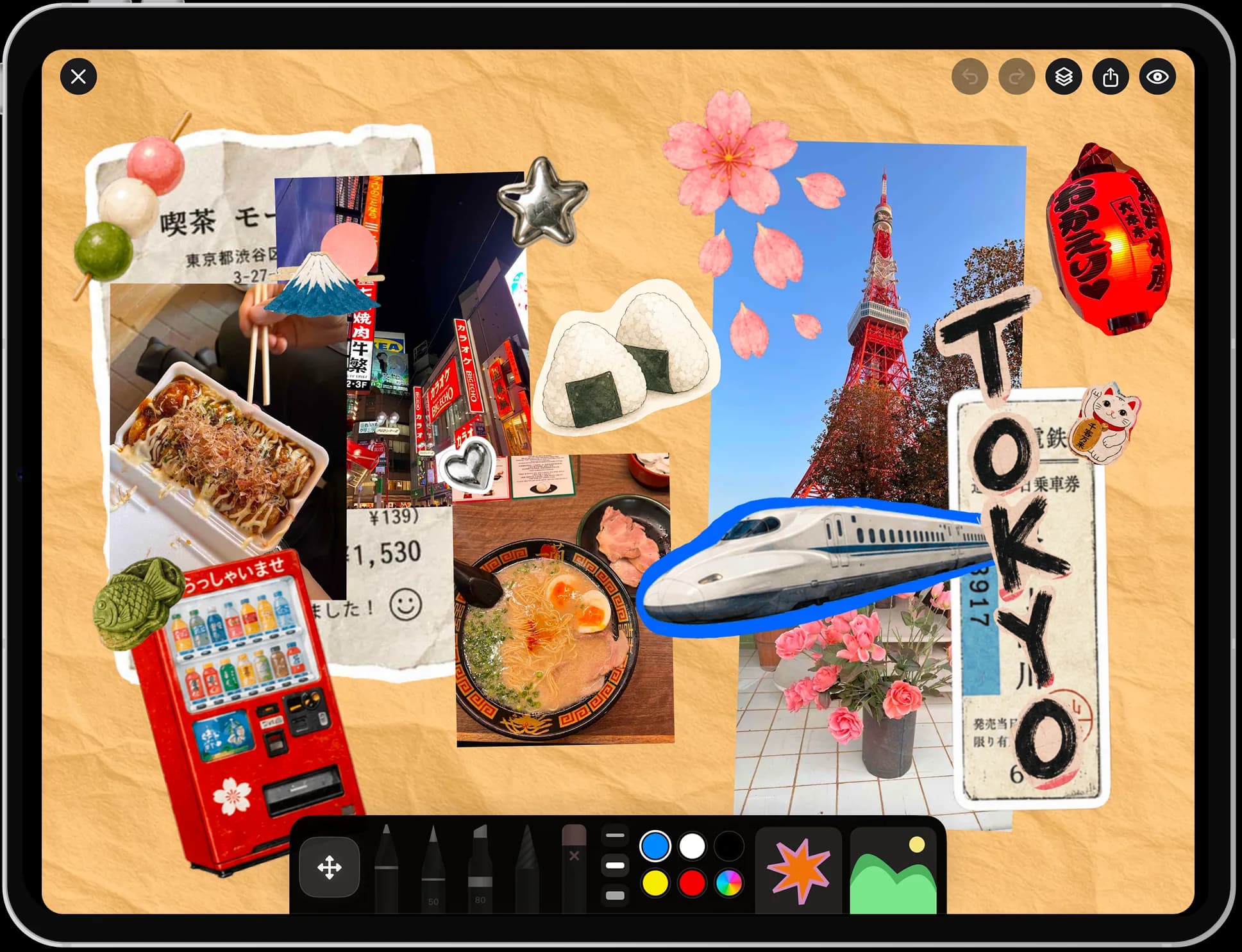
No grid and no template. Scale, overlap, and position all carry meaning on a vision board.
vision board app
Put what you're working towards somewhere you'll actually see it.
free to download · iPhone & iPad ✎
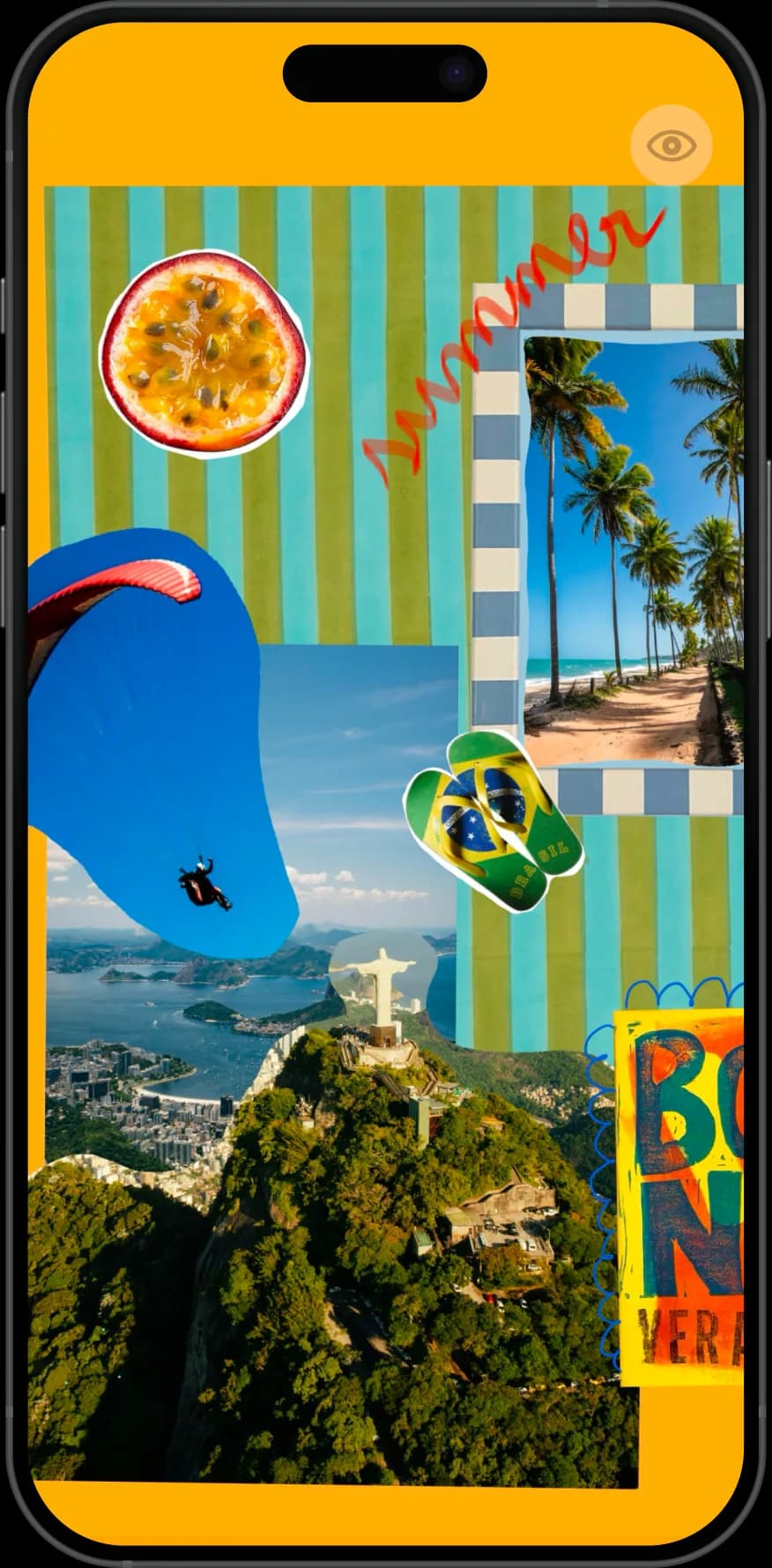
A vision board only works if you look at it more than once. Nooka keeps yours on your phone rather than on a wall you stop noticing — images cut out and arranged by hand, words written in your own handwriting, and a book you can add to as the year changes shape.
A vision board is a collection of images and words representing what you want — places, work, habits, a feeling. Nooka is a vision board app for iPhone and iPad where boards are freeform pages, kept in a book so you can revisit and revise them.
made in nooka
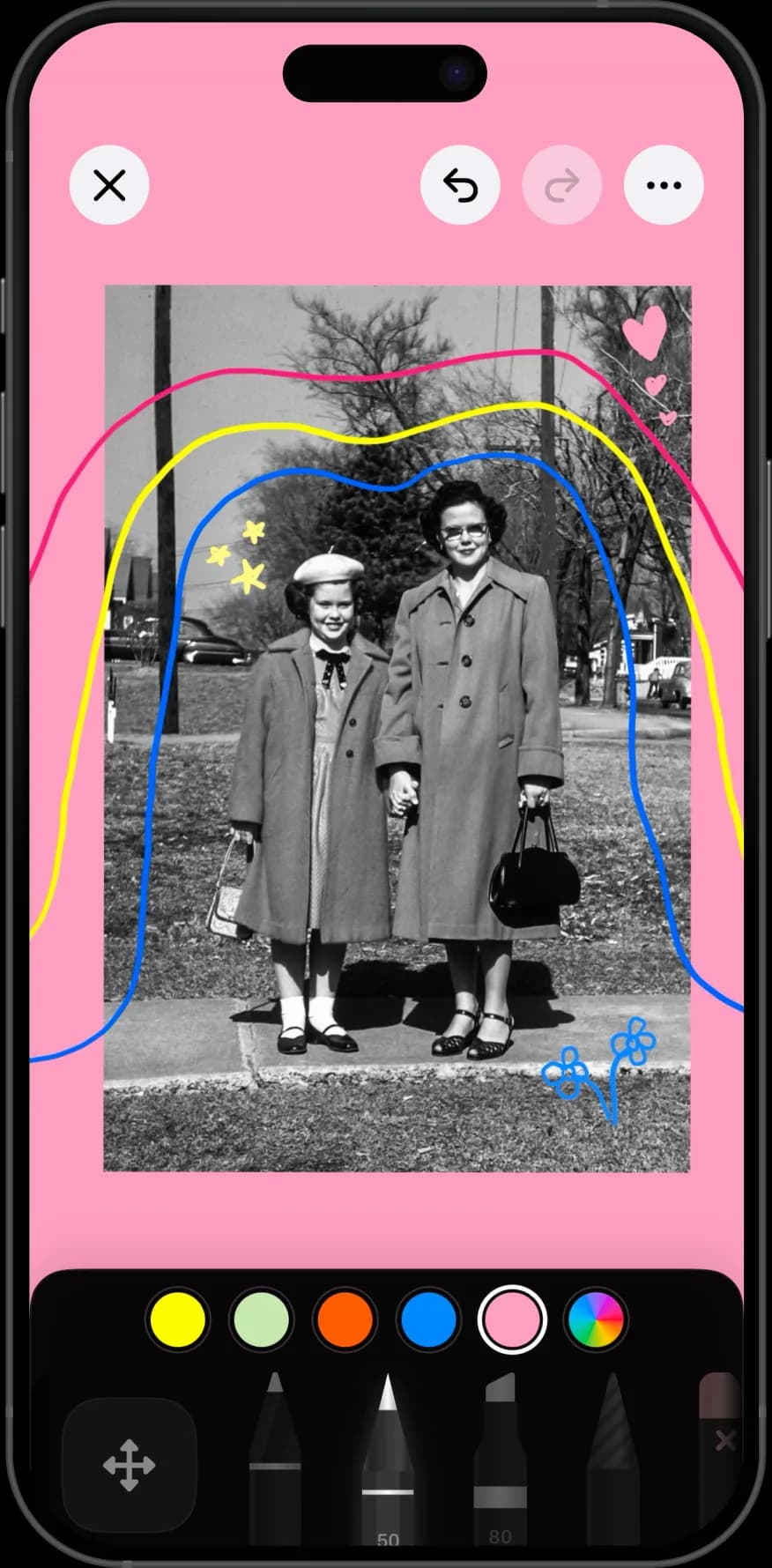
Built from photos people already had, not from stock libraries.
why nooka
No grid and no template. Scale, overlap, and position all carry meaning on a vision board.
Words matter as much as pictures here. Handwrite them rather than typing them.
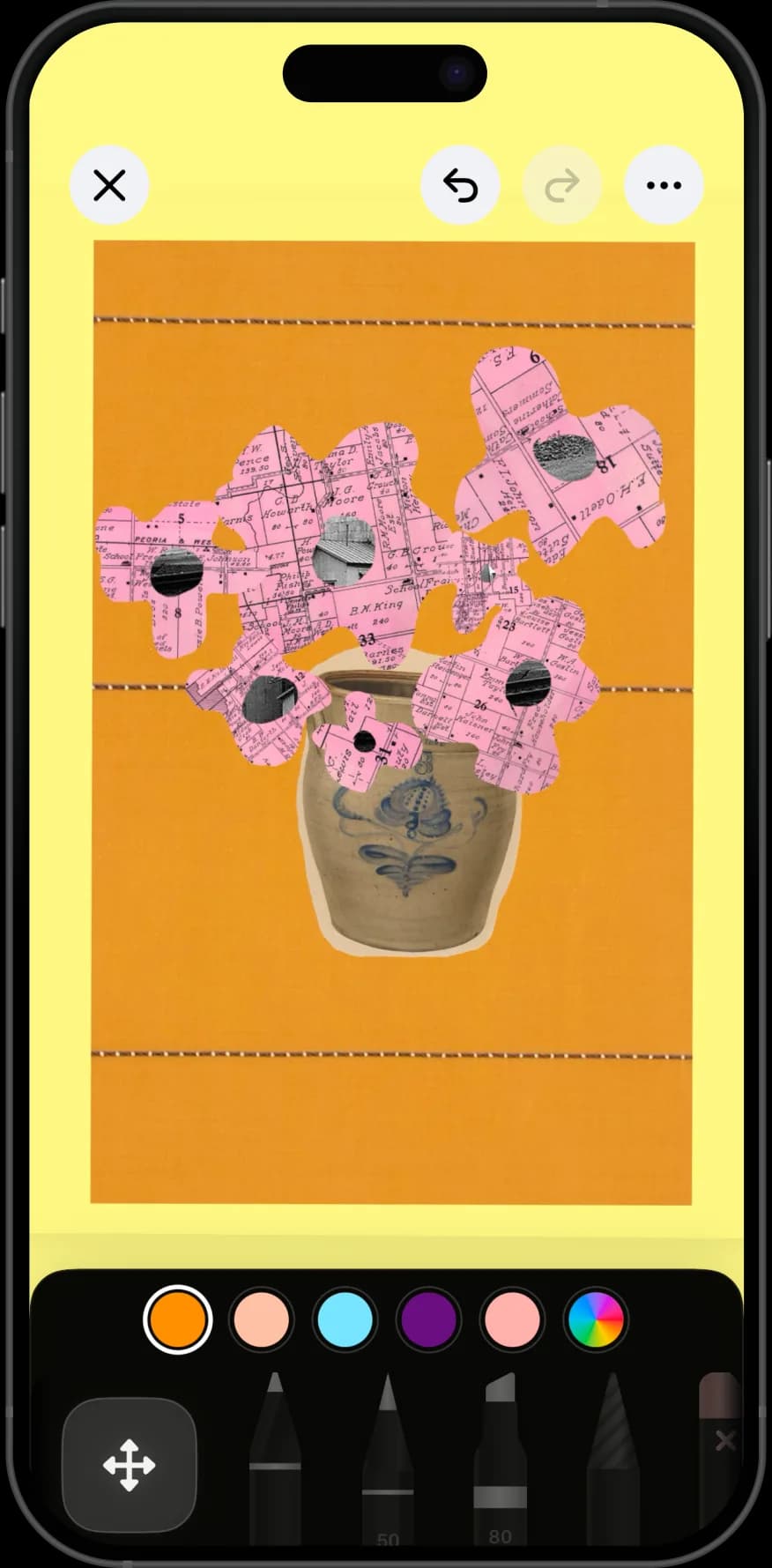
Lift the one thing you actually want out of a busy photo instead of pasting the whole scene.
One book holds every version, so you can see how a year's thinking changed.
step by step
Half an hour, once, and then five minutes whenever something changes. Boards made in one sitting and never touched again are the ones that stop working.
Before opening your photos, write down four or five words for what you want this year. The words stop the board becoming a pile of pretty pictures.
Pull two or three images per word from your own photos and saved screenshots. Your own pictures carry more weight than stock ones.
Lift the specific thing you want out of each image. A whole photo brings the parts you did not mean along with it.
Put what matters most in the middle and large. Scale is the fastest way to show yourself a priority.
Add your words across the board in your own writing, then save it as a page in a book you can reopen.
They are built identically and aimed differently. A mood board describes the look of something you are making — a room, a brand, a shoot.
A vision board describes a life you want: places to go, work to do, a way of spending your time. It is aspirational rather than directional, and it is usually more personal.
Keep them in separate books. A client's colour palette sitting next to your own plans for the year makes both harder to read.
A physical board wins on presence. It hangs where you cannot avoid it, and cutting up real magazines is part of why the exercise works.
It also stops changing. Most physical boards are made once in January and are stale by March, because revising one means finding scissors again.
A digital board on your phone is with you, editable in a minute, and revisable as the year turns out differently. The trade is that you have to choose to open it — so put it in a book you already browse.
Places you intend to go, not places that photograph well. The distinction matters more than people expect.
Work and habits, which are harder to picture: a desk you want, a book you mean to finish, a route you want to run. Photograph the real object rather than searching for a symbol of it.
One or two things you already have and want to keep. A board made entirely of things you lack reads as a list of what is missing, and that is the version people quietly stop looking at.
perfect for
questions
Write your words first, gather two or three of your own photos for each, cut out the subject from every image, arrange them by importance, and handwrite the words across the board.
A mood board describes the look of something you are making. A vision board describes a life you want. They are built the same way, so keep them in separate books.
Yes, and they work better than stock images. Import from your library or use saved screenshots, then cut out the part you actually mean.
The app is free to download, and the free tier covers a guided first page, one book, one canvas, and one photo per page. Nooka Pro removes those limits and adds cutouts, background removal, layer editing, and iCloud Backup. Current prices are on the pricing page.
Yes. Export the finished board as an image and set it as your lock screen or wallpaper from Photos, which is the simplest way to actually see it daily.
Yes. Each board is a page, and a book holds as many as you like — one per year, or one per area of life.
Yes. Nooka is local-first with no account and no sign-up, so boards stay on your device unless you export one yourself.
January is when most people make them, but any turning point works — a birthday, a move, a new job. What matters more is revising it a few times a year rather than making it once.
No. Handwriting a few words is enough, and it looks more like yours than a typed caption would. There is no drawing skill involved.
Full plan details are on the Nooka pricing page, and more help lives on support.