Compose pages by hand
Choose a few photos and arrange them, instead of letting an algorithm pick and lay out an album.
memory book app
Somewhere for the photos worth keeping.
free to download · iPhone & iPad ✎
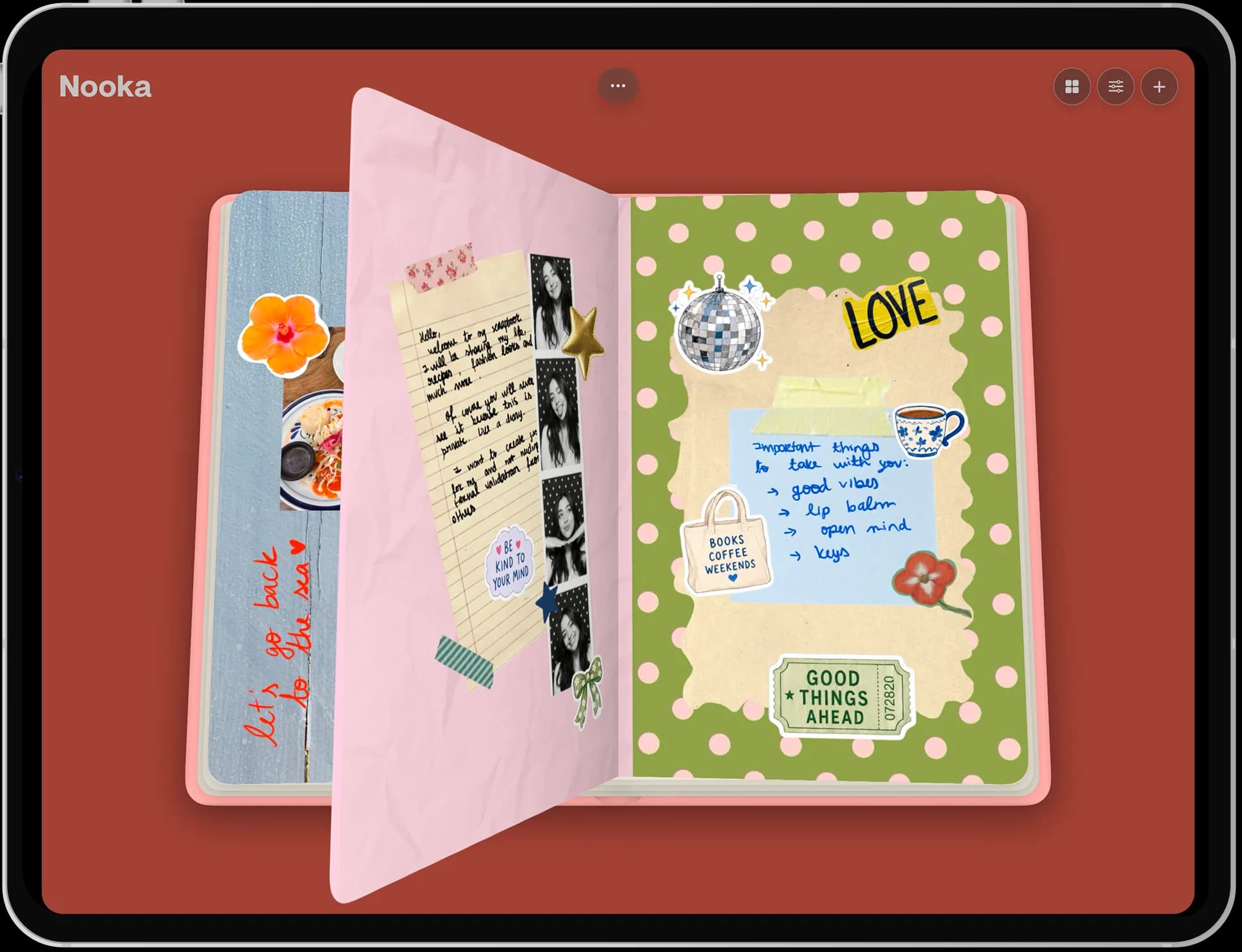
Most photos are stored and never seen again. A memory book is the opposite: a small number of pictures, chosen deliberately, arranged on pages with the details you would otherwise forget written next to them. Nooka makes those books and gives them a shelf to sit on.
A memory book is a curated book of photos and mementoes about one person, trip, or period — closer to a scrapbook than to a photo album, because pages are composed by hand and annotated. Nooka is a memory book app for iPhone and iPad.
made in nooka
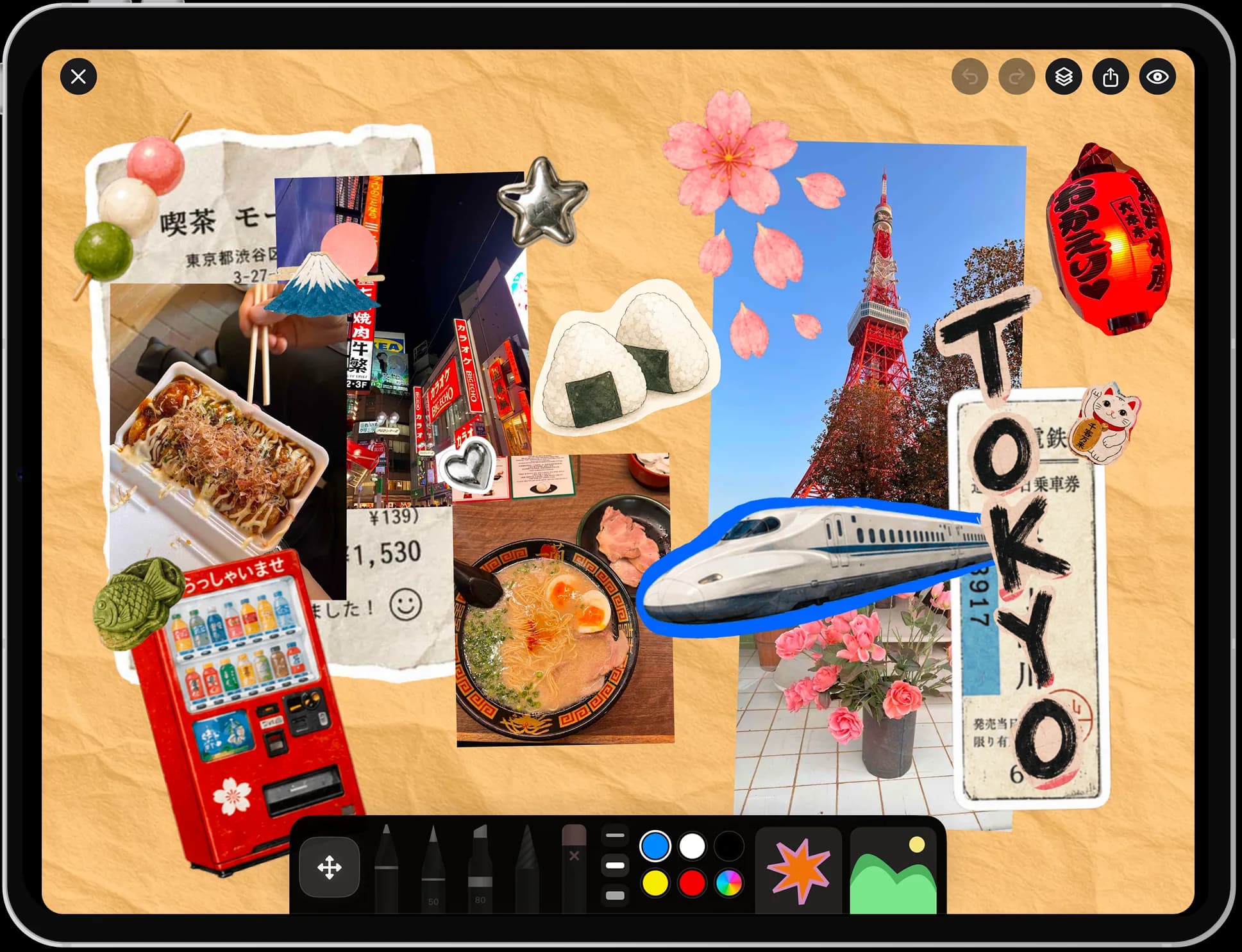
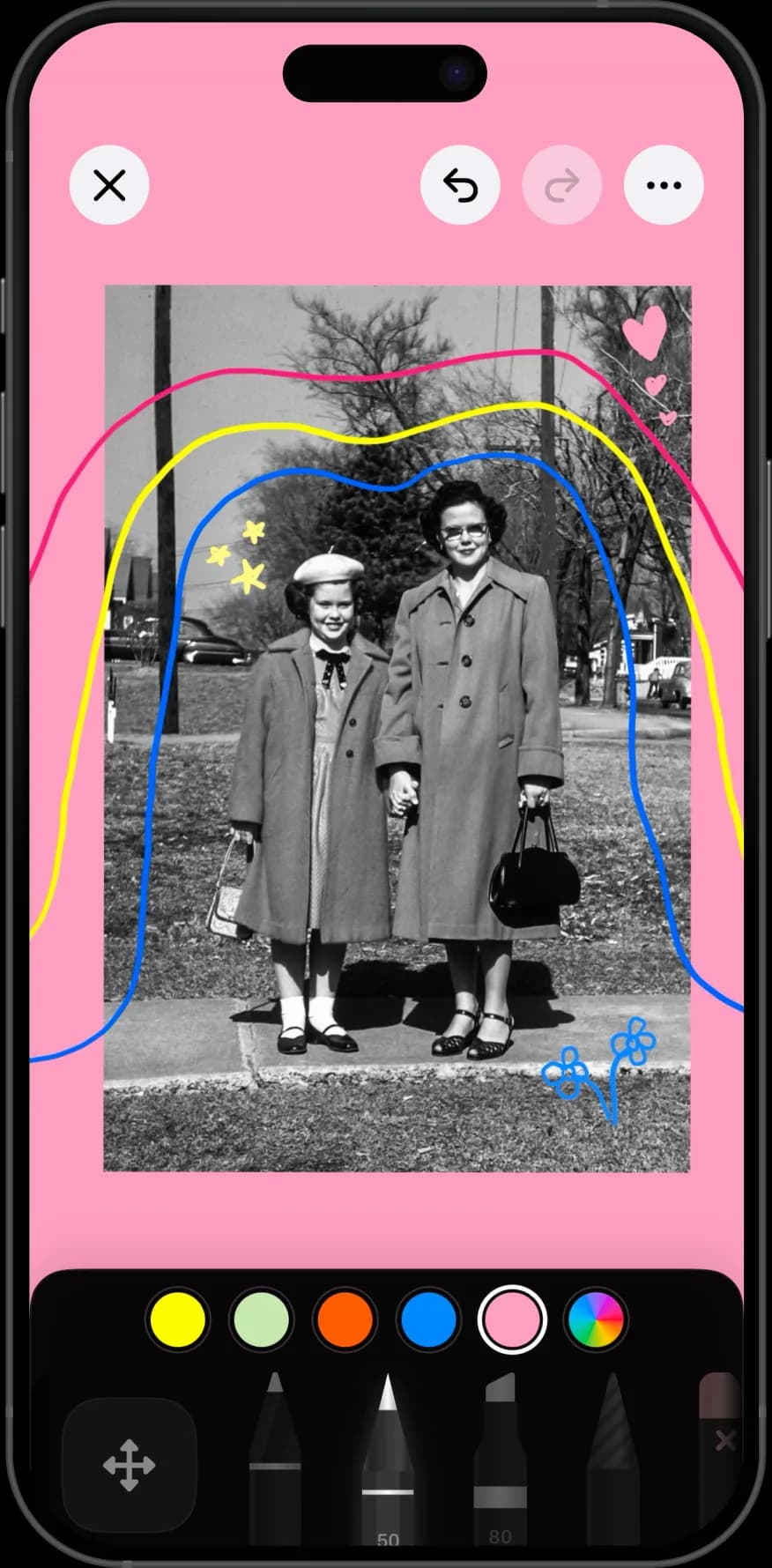
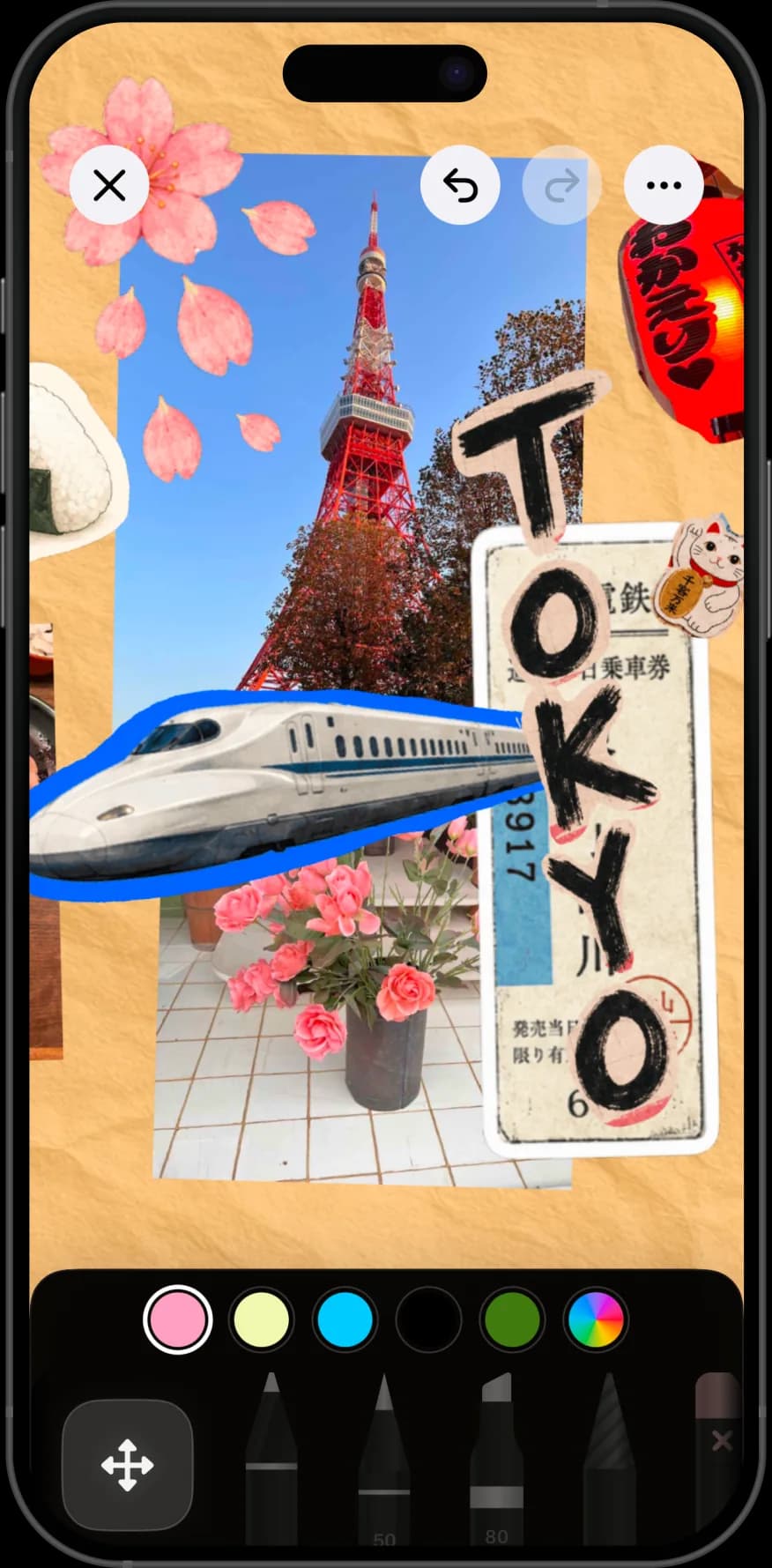
Pages built from ordinary camera-roll photos, with the details written in by hand.
why nooka
Choose a few photos and arrange them, instead of letting an algorithm pick and lay out an album.
Names, dates, places, and the small details that fade. Handwriting them keeps them attached to the picture.
A year, a trip, a grandparent, a child's first school. Books keep separate things separate.
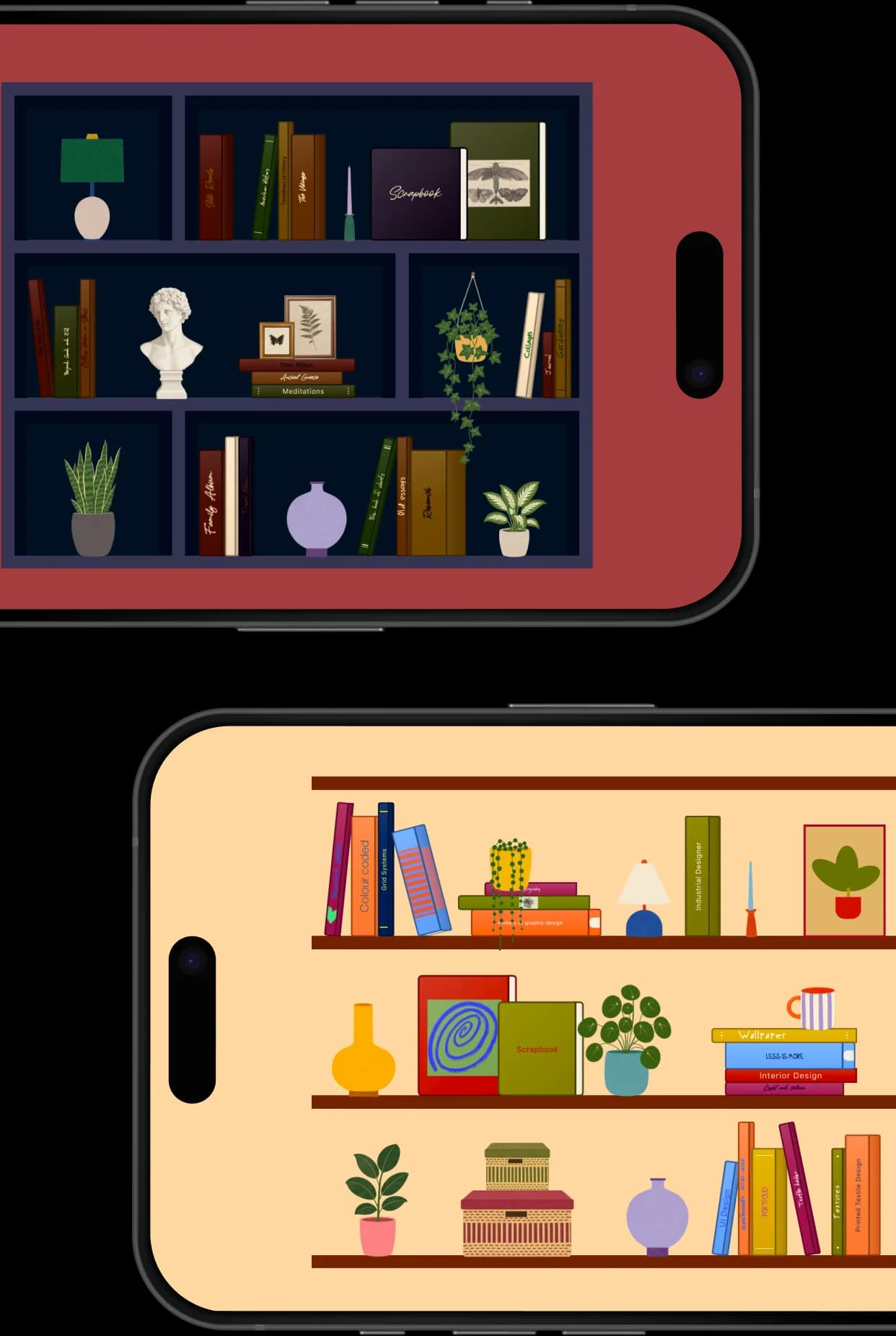
Finished books sit on a shelf you styled, so you browse them the way you would a real one.
step by step
The hard part is choosing. Everything else takes an evening, and a book of twenty good pages beats one of two hundred.
One person, one trip, one year. A memory book with no boundary turns into the camera roll it was meant to replace.
Aim for two or three per page. If two photos say the same thing, keep the better one.
Place the strongest photo large and slightly off-centre, then arrange smaller cutouts around it.
Names, the date, where it was, what somebody said. This is the part you will be glad of in ten years, and the part albums never capture.
A memory book does not have to be finished in one sitting. Add a page whenever something belongs in it.
Design the cover and spine so you recognise the book on the shelf, then style the shelf around it.
A photo album stores; a memory book curates. An album's job is to hold everything, which is why nobody sits down to look through one.
A memory book holds a fraction of the photos and adds what the photos cannot carry: who was there, what the day was like, what somebody said in the car on the way home.
That annotation is the whole value. Photos age well on their own for about five years, and after that the context is what you have lost.
The obvious photos, but fewer of them. Then the unobvious ones: the meal, the hotel corridor, the receipt, the handwriting on a card.
Words are the part people skip. A single line per page — a date, a name, one specific detail — does more for the book in ten years than another photo would.
Mementoes photographed flat also work: tickets, a note, a child's drawing. Photographing paper is the digital equivalent of gluing it in.
A book about one person, made from photos they have never seen, is a better gift than the photos themselves.
Nooka does not print or ship albums, so the practical route is exporting the finished pages as images and sending them, or using any print service you like with those exports.
If you are making it for someone specific, write to them on the pages rather than about them. It changes how the book reads.
perfect for
questions
An app for turning a small, chosen set of photos into composed pages and gathering those pages into a book, with room to write in the names, dates, and details a photo album leaves out.
An album stores everything automatically. A memory book holds far fewer photos, arranged by hand, with written context beside them — which is why people actually reopen one.
You can export each page as an image and print those yourself or through any print service. Nooka does not print or ship physical books.
The app is free to download, and the free tier covers a guided first page, one book, one canvas, and one photo per page. Nooka Pro removes those limits and adds cutouts, background removal, layer editing, and iCloud Backup. Current prices are on the pricing page.
As many as you want — add and insert pages whenever something belongs in the book. Books grow over months rather than being finished in one sitting.
Yes. Build the book, then export the pages as images to send or print. Writing to the person on the pages rather than about them makes it read better.
They are stored on your device. Turn on iCloud Backup, part of Nooka Pro, so a book can be restored if you move to a new iPhone or iPad.
Yes. Each is its own book with its own cover and spine, all sitting on a shelf you designed, so they never run together.
No. One large photo, two small ones, and a handwritten line is a good page. The books that work best are the ones with the most written on them, not the best laid out.
Full plan details are on the Nooka pricing page, and more help lives on support.