Draw with simple tools
A small set of pens, sizes, and colours, so you start drawing instead of configuring brushes.
sketchbook app
A sketchbook that fills up, page by page.
free to download · iPhone & iPad ✎
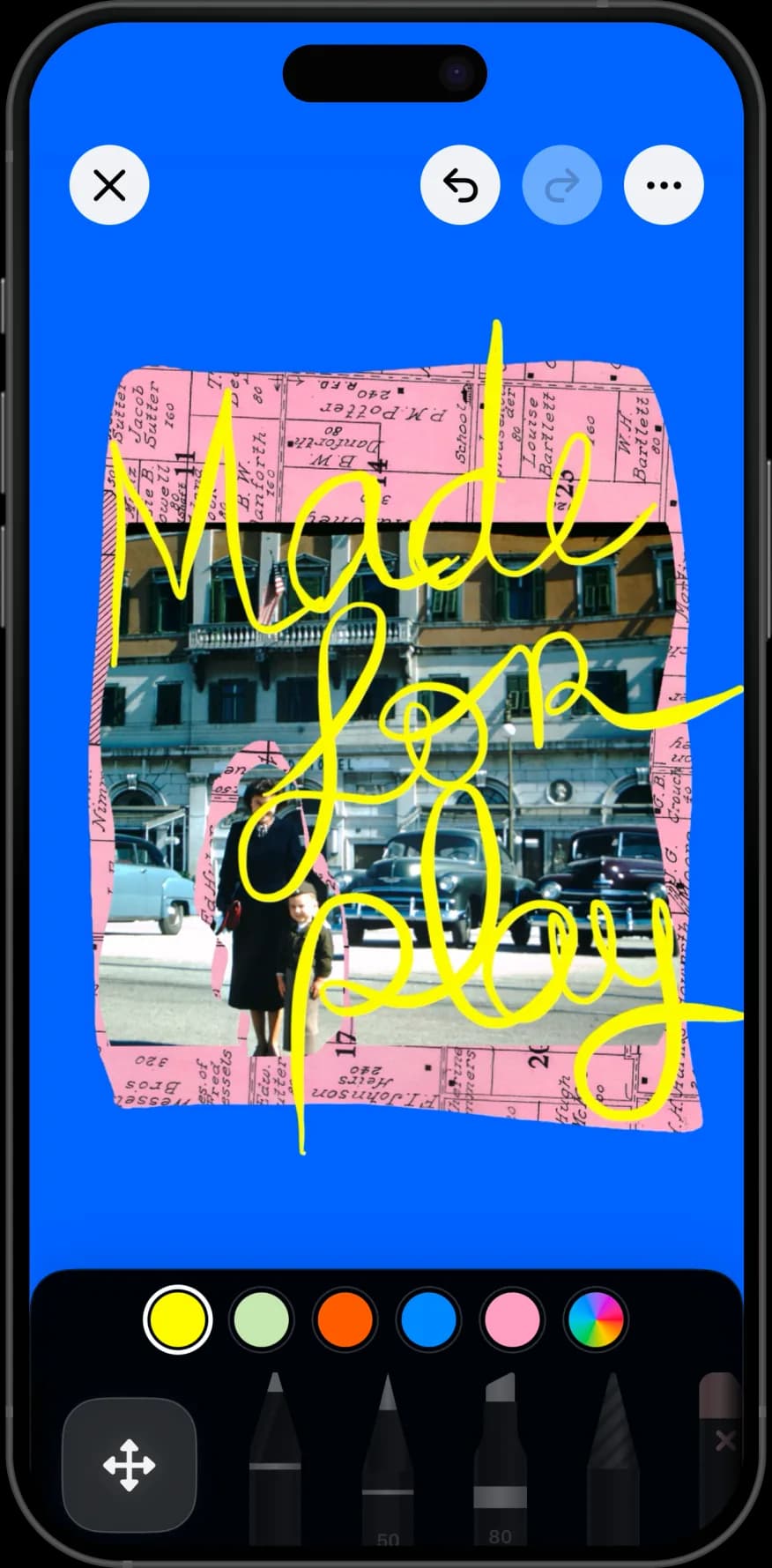
A sketchbook is not a single canvas — it is a book that accumulates. Nooka gives you pages to draw on, photos to draw over, and a book to keep them in, so a year of small sketches ends up as something you can flip through instead of a folder of exports.
A digital sketchbook app gives you drawing tools and a book of pages rather than one canvas at a time. Nooka is a digital sketchbook app for iPad and iPhone: draw on blank pages or over imported photos, and keep the pages together in a book.
made in nooka
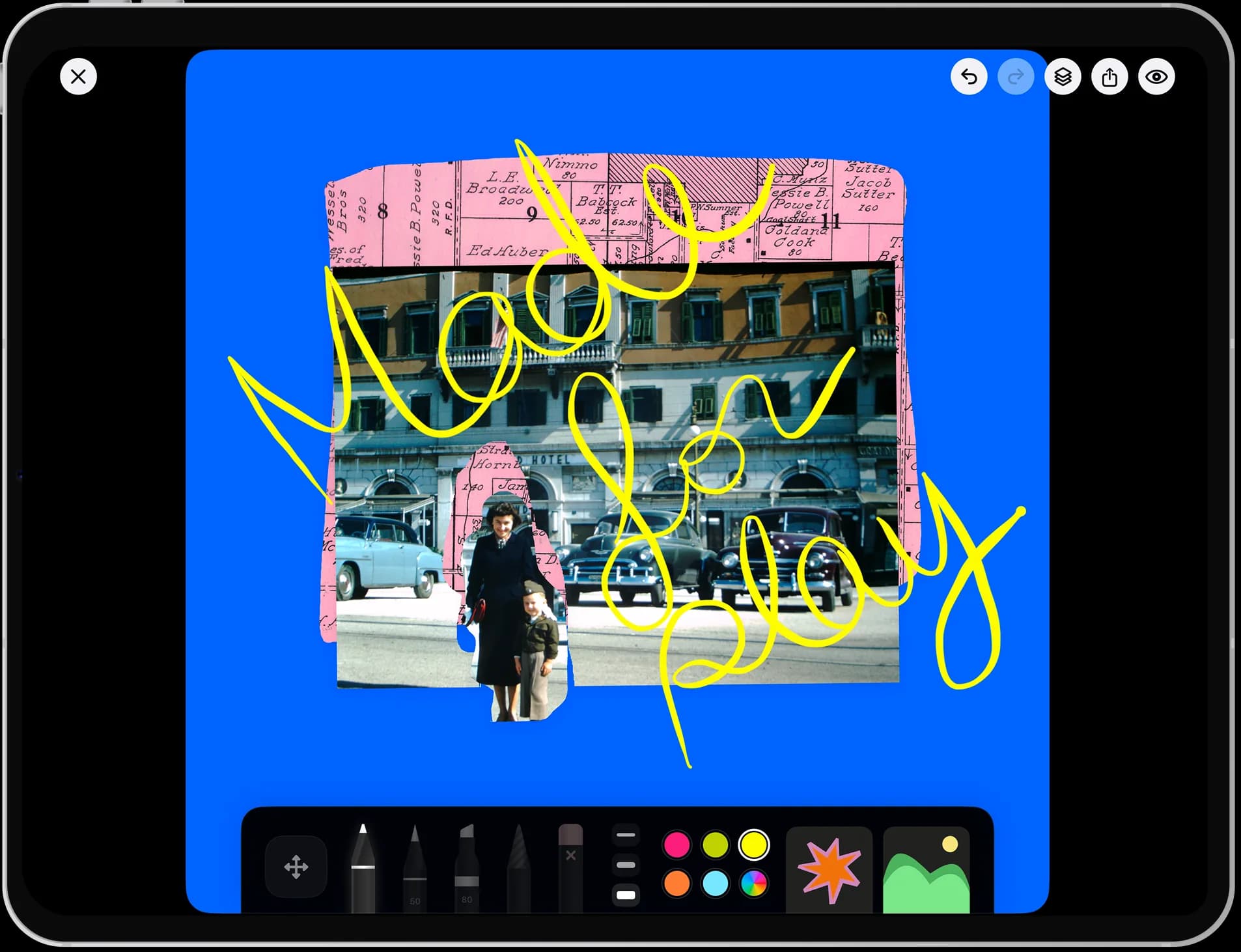
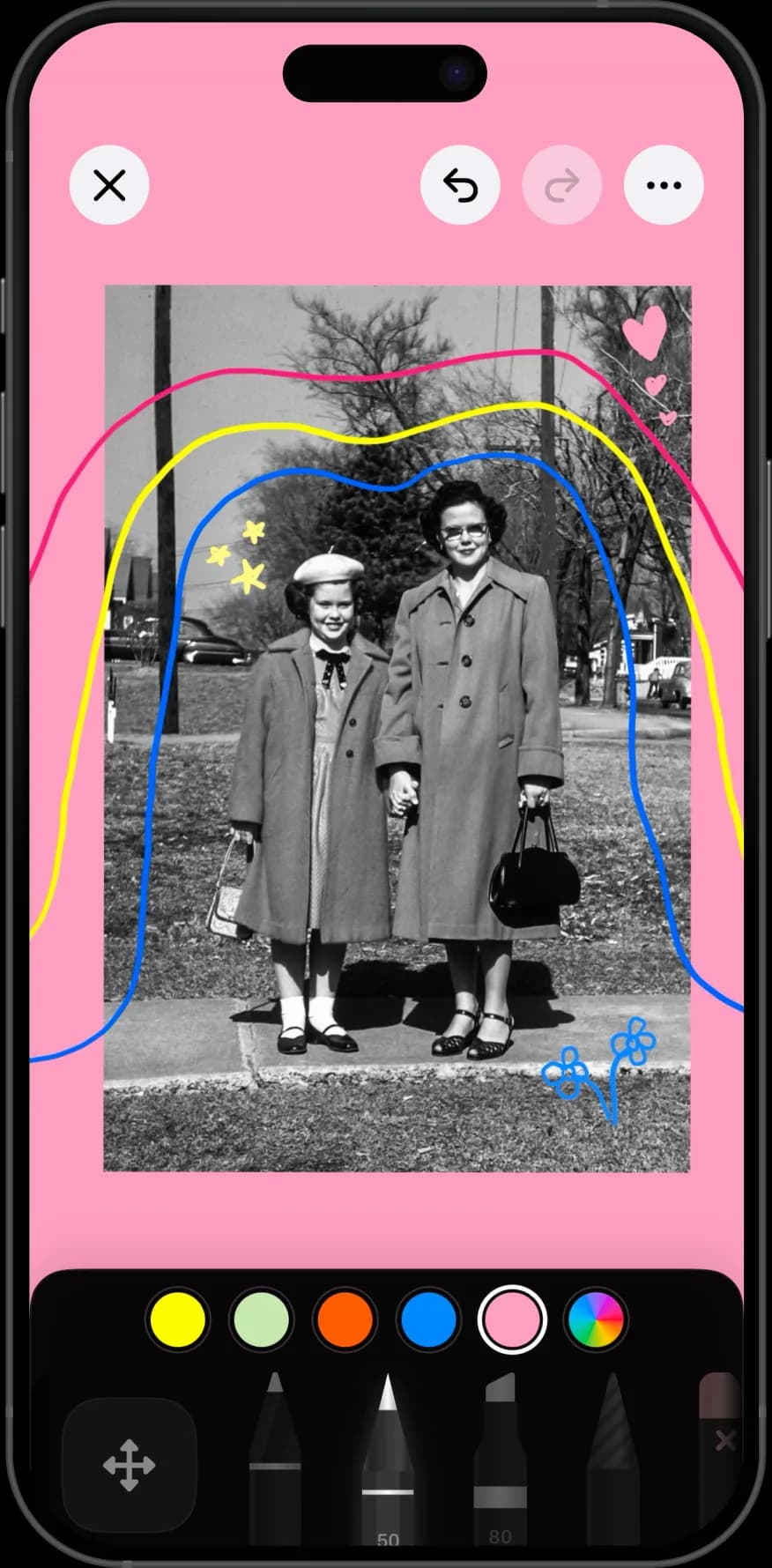
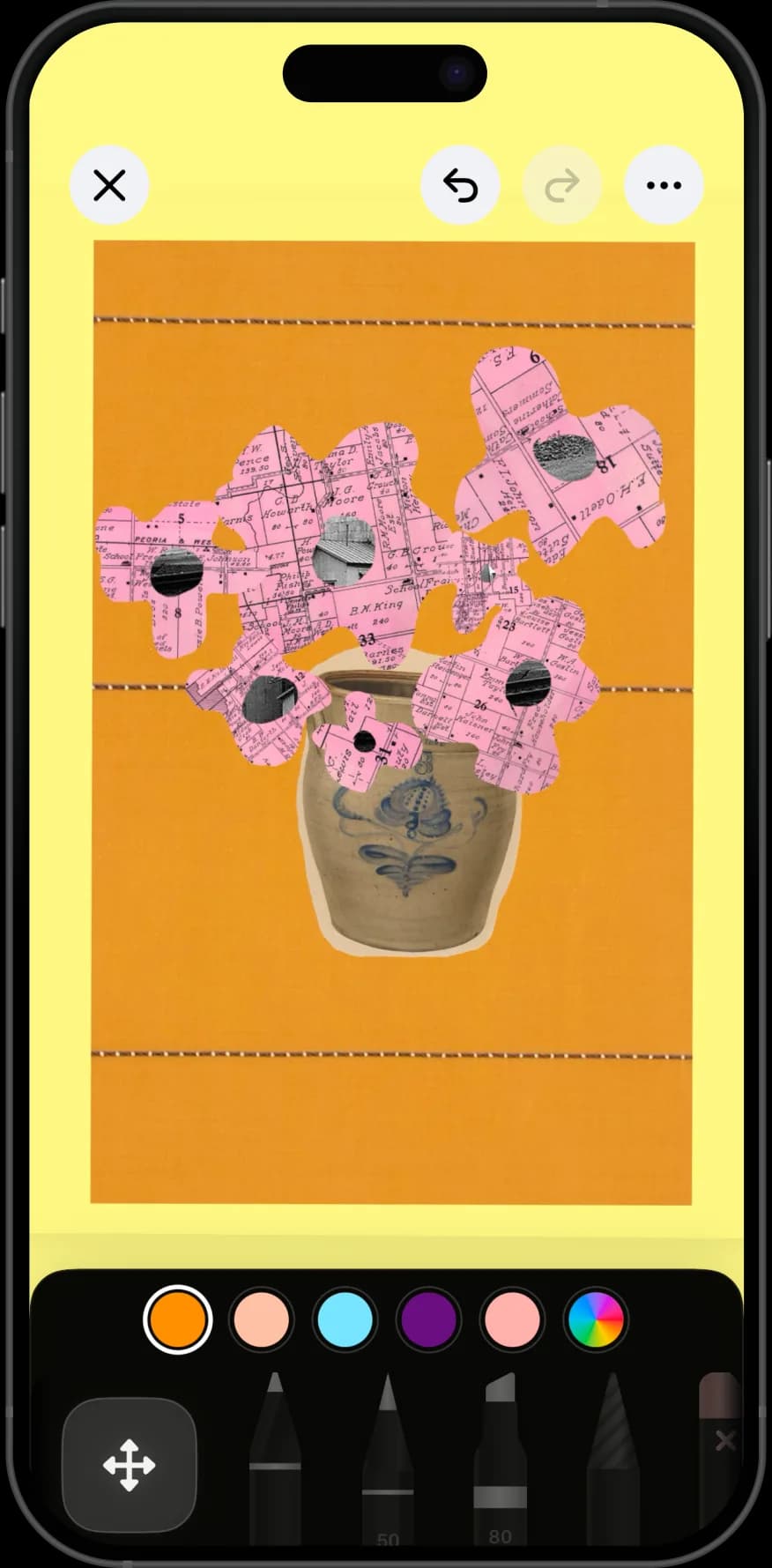
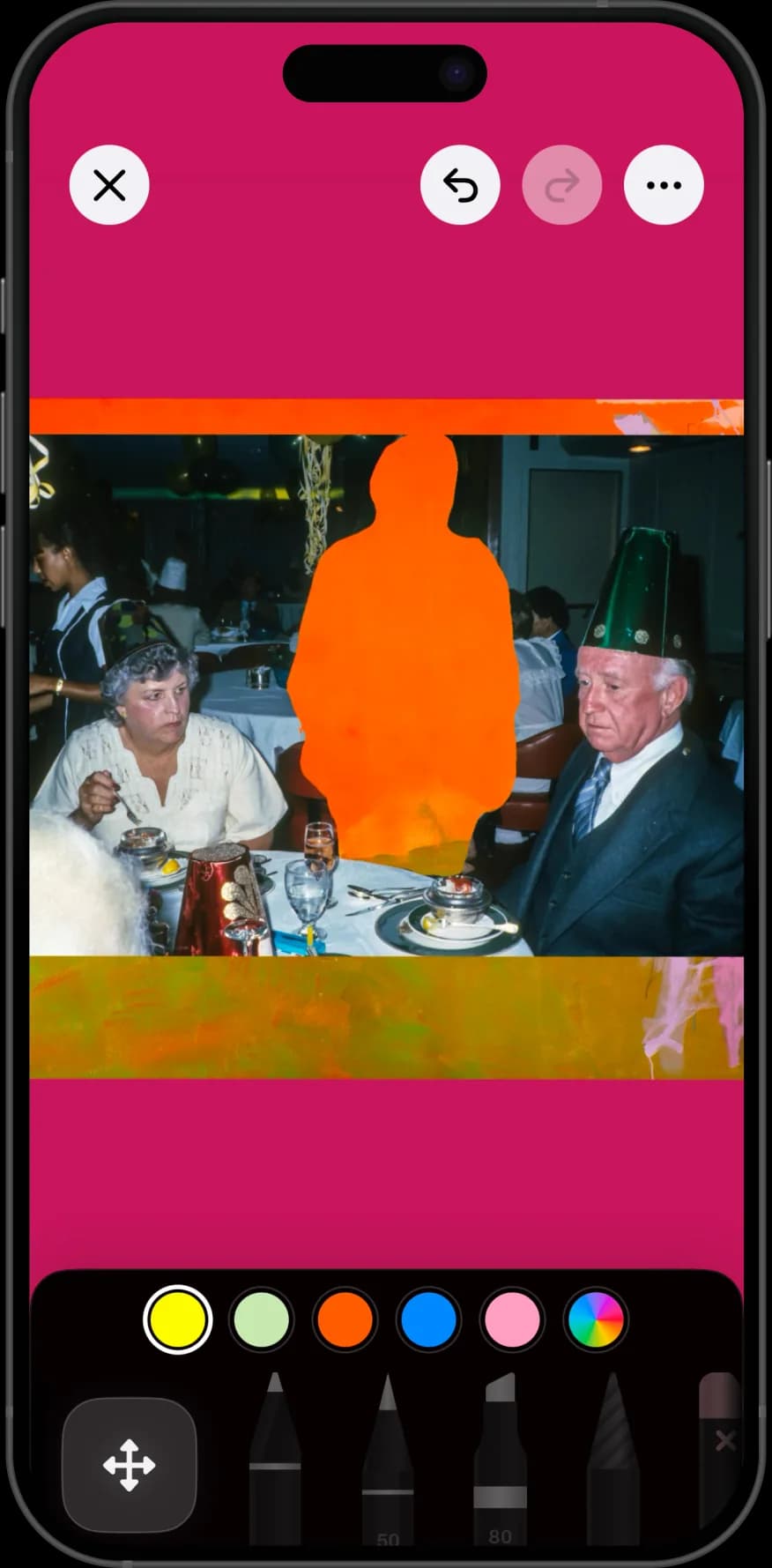
Drawing on blank pages, over photos, and around cutouts.
why nooka
A small set of pens, sizes, and colours, so you start drawing instead of configuring brushes.
Import a photo and draw on top of it — the fastest way to practise from reference.
Every sketch is a page in a book, so a year of small drawings adds up to something.
Pressure-sensitive drawing on iPad, and finger drawing everywhere else.
step by step
The habit matters more than the tooling. Small and frequent beats ambitious and abandoned.
One book, no theme. A dedicated sketchbook is easier to keep than sketches scattered across projects.
Decide a sketch takes ten minutes, not an hour. The point is the number of pages by December.
A mug, a plant, a hand, a corner of the room. Drawing from life beats drawing from imagination when you are building a habit.
Bring in one of your own photos and trace, redraw, or annotate it. Reference removes the blank-page problem entirely.
Move on rather than fixing. A sketchbook is a record of practice, and the bad pages are what make the good ones legible.
Paper has the better surface and no undo, which is exactly why many people draw better on it — you commit to a line instead of retrying it.
Digital wins on availability. Your iPad is already with you, the tools never run out, and a bad page costs nothing, which makes starting easier.
The realistic answer is that most people who keep a digital sketchbook draw more often than they did on paper, and slightly less carefully. If quantity is what you are short of, that trade is worth it.
Importing a photo and drawing on top of it is the single most useful practice exercise a phone sketchbook enables.
Trace the big shapes first to learn proportion, then hide the photo and redraw from memory on the next page. The comparison is the lesson.
It also works for annotation rather than practice: sketching a plan over a photo of a room, marking up a garden, or drawing what a piece of furniture would look like in a space.
Individual drawings exported to a camera roll disappear among photos, and you lose any sense of progress.
A book keeps them in order. Flipping from January to December is the clearest evidence of improvement most people ever get, and it is the reason paper sketchbooks are kept for decades.
It also lowers the stakes per page. A single drawing has to be good; a page in a sketchbook only has to exist.
perfect for
questions
Yes, if you want a book that fills up rather than a professional illustration tool. It gives you simple drawing tools, pages instead of single canvases, and a shelf to keep finished sketchbooks on.
Yes, on iPad running iPadOS 17 or later. Finger drawing works everywhere, and no feature depends on having a Pencil.
Yes. Import one of your own photos and draw on top of it, which is the quickest way to practise from reference or to annotate something.
The app is free to download, and drawing tools are available on the free tier. Creating more than one book or canvas, importing more than one photo per page, and layer editing are part of Nooka Pro. Current prices are on the pricing page.
No. Procreate is a professional illustration app with a deep brush engine. Nooka's drawing tools are deliberately simple, and its advantage is the book — pages that accumulate on a shelf rather than separate canvases.
As many books as your device has storage for. Most people keep one per year, or one for studies and one for finished pages.
Yes. Export any page as an image to post, print, or send. Exports are ordinary image files with no watermark.
Yes. Everything is drawn and stored on your device, so a plane or a park with no signal is a perfectly good place to sketch.
No. Most pages in most sketchbooks are practice. Keeping the book is the skill; the drawing improves as a side effect of the pages piling up.
Full plan details are on the Nooka pricing page, and more help lives on support.