Cut subjects out of photos
Lift a person, a plate, or a sign out of its background so it sits cleanly on the canvas.
collage app
Collages that aren't grids — cut things out and layer them.
free to download · iPhone & iPad ✎
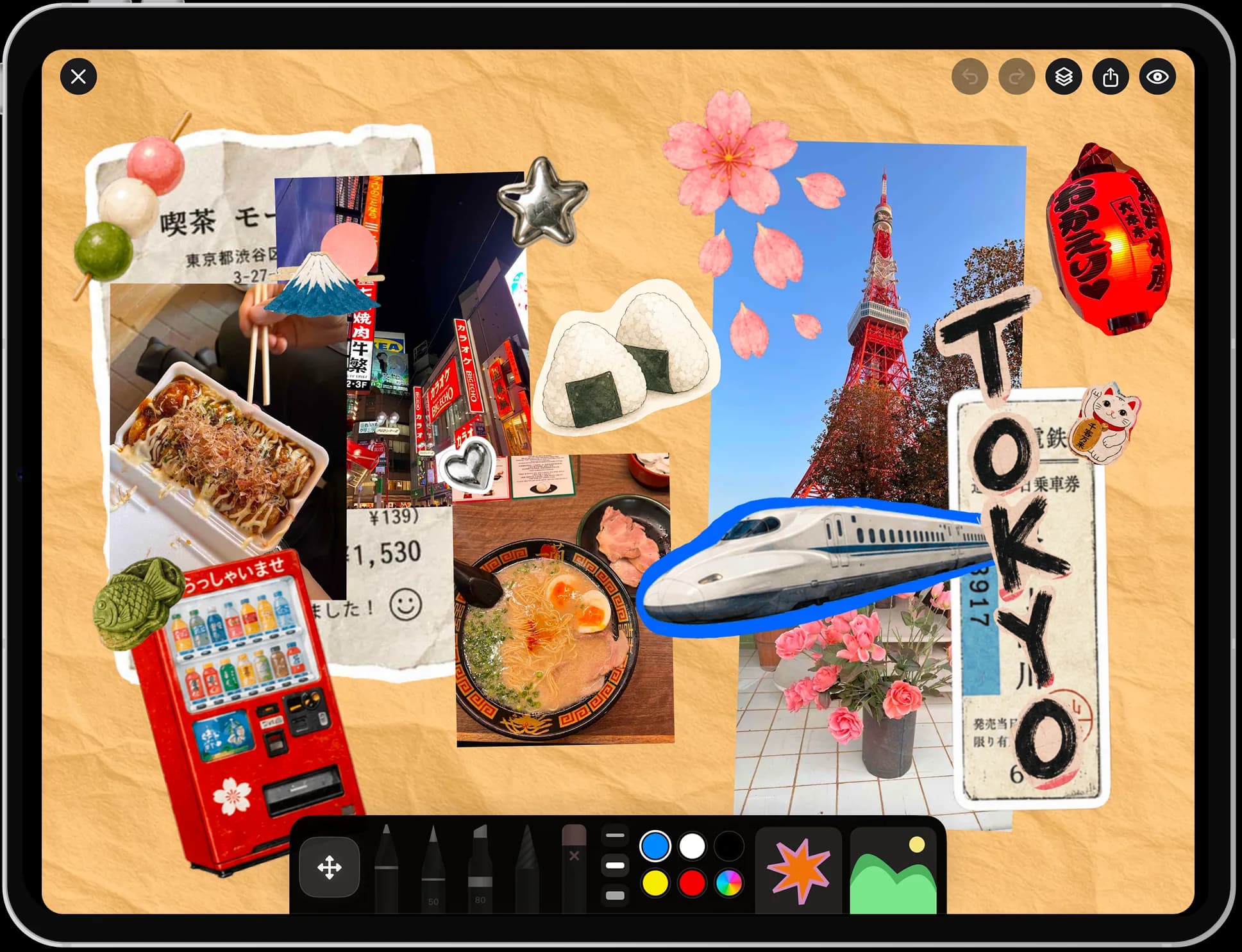
Most collage apps hand you a grid and ask you to drop photos into boxes. Nooka gives you a blank canvas and a cutout tool. Lift a subject out of its background, overlap it with another, scribble across both, and the result looks made rather than generated.
A photo collage app combines several photos into one image. Grid-based apps arrange them into fixed boxes; Nooka is a freeform photo collage app for iPhone and iPad, so you cut subjects out, overlap them at any angle, and draw on top.
made in nooka
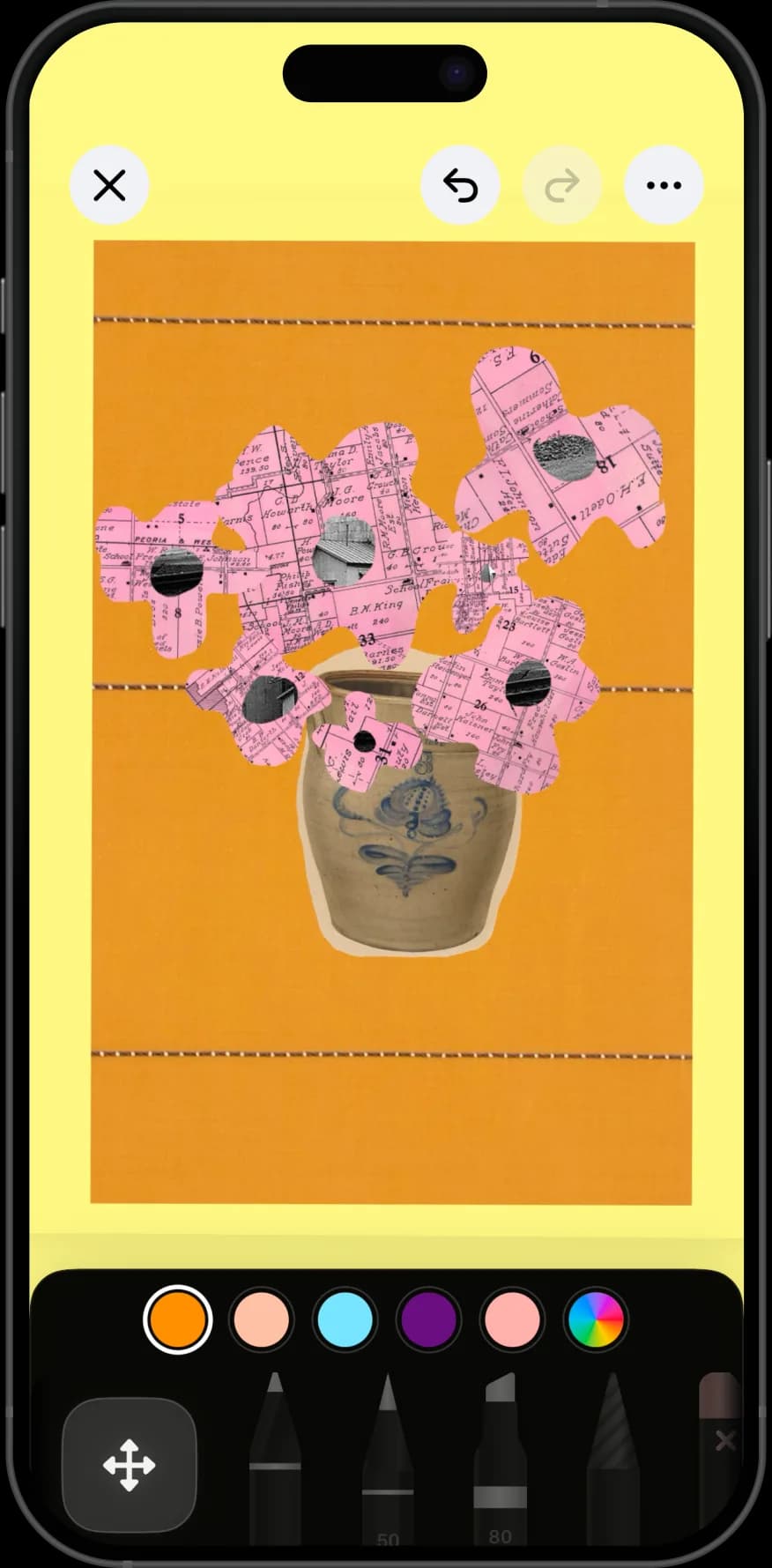
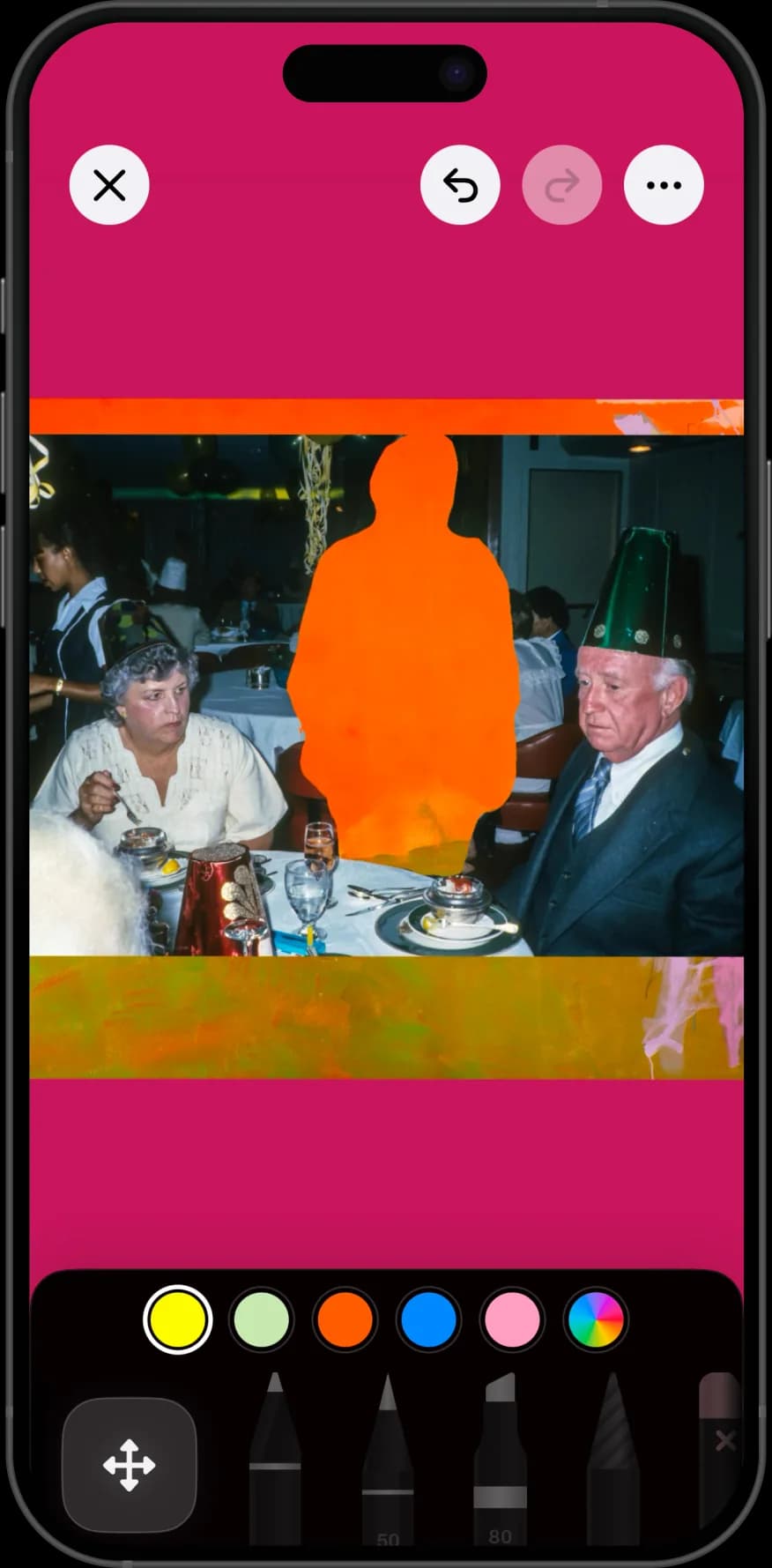
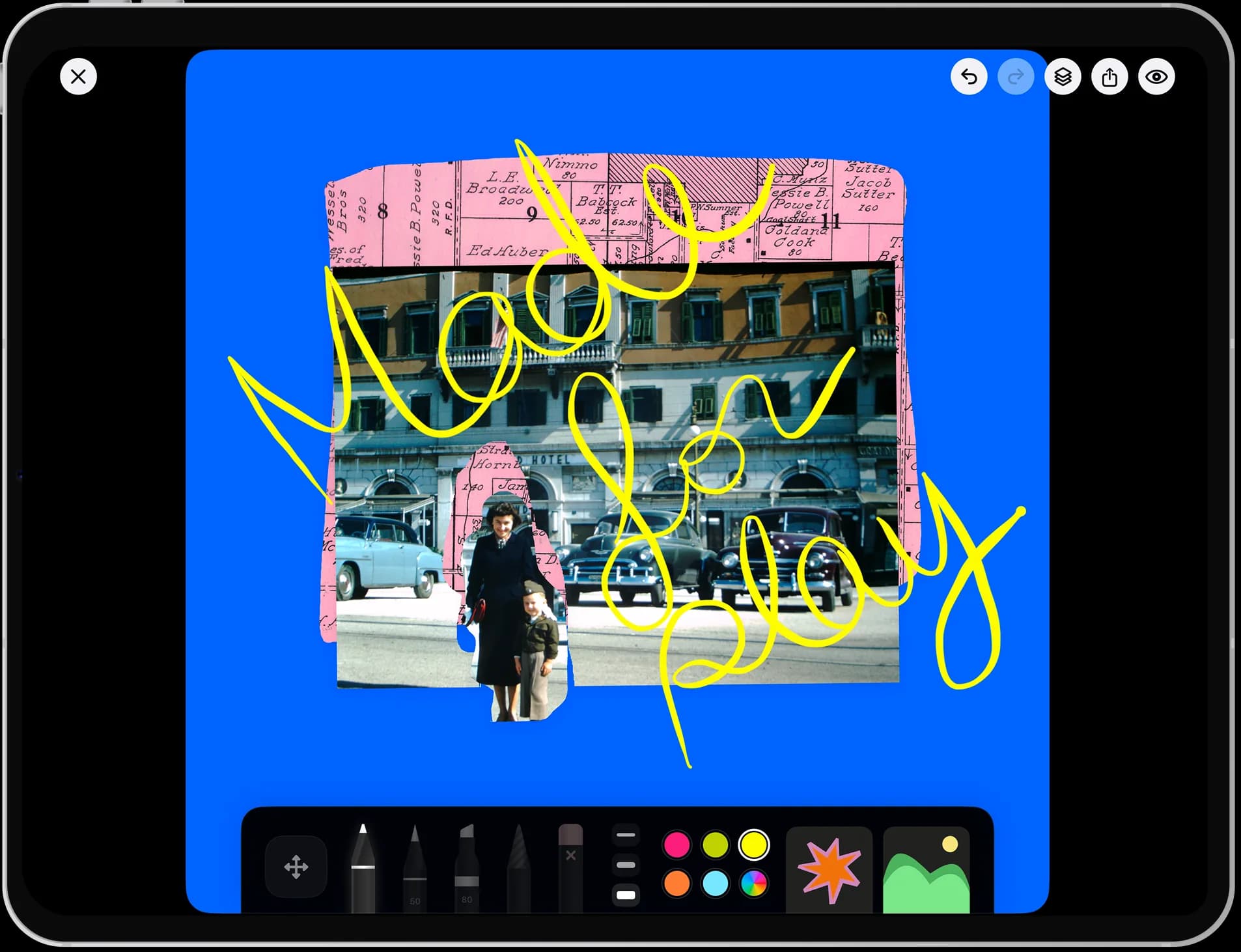
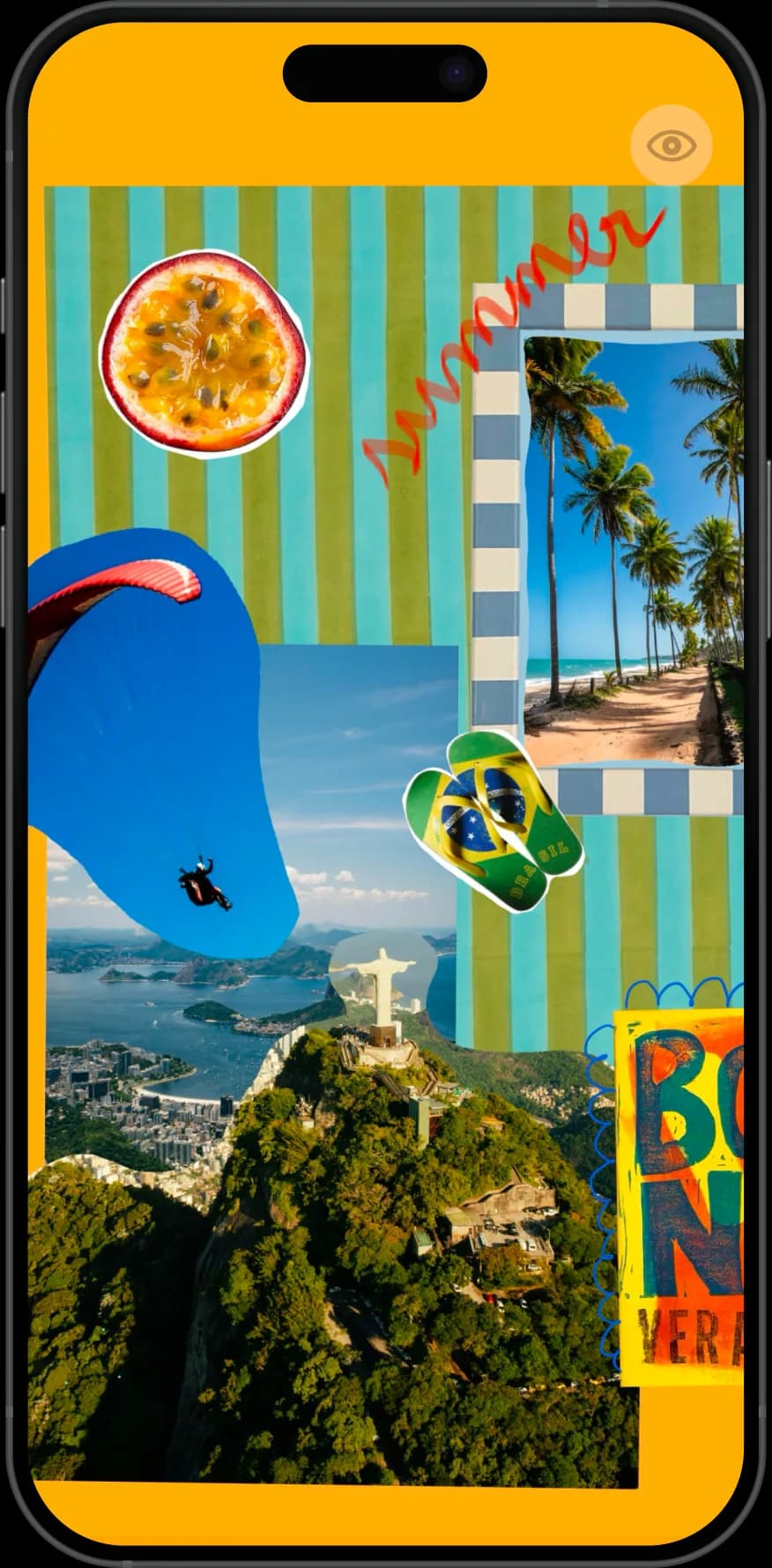
Layered, overlapping, and hand-drawn on — none of these would be possible in a grid.
why nooka
Lift a person, a plate, or a sign out of its background so it sits cleanly on the canvas.
Nothing snaps to a box. Rotate, resize, and stack until the composition reads the way you want.
Handwriting and doodles across the seams are what stop a collage looking like a photo grid.
Group finished collages into a book on a shelf instead of losing them in your camera roll.
step by step
About ten minutes for a first collage. The one habit that matters is cutting things out rather than dropping in whole rectangles.
Start a page and bring in three or four photos. Gather more than you will use — collages get better when you can discard.
Use the cutout tool to lift the part that matters out of each photo. This single step is the difference between a collage and a grid.
Set a colour or drop in one large image as the base, then work on top of it. Composing onto something is easier than composing onto white.
Let cutouts break each other's edges and run off the page. Overlap is what tells the eye this was assembled by hand.
Add handwriting, an outline, or a scribble that crosses two elements at once. It ties separate photos into one picture.
Export the finished collage as an image to send or post, and keep the page in a book if you want to come back to it.
Grid apps are fast and predictable. You pick a layout, drop in photos, and you are done in under a minute — which is exactly right when you want to post four holiday pictures.
They are also why most phone collages look alike. The grid decides the composition, so the only thing that varies is the photos.
Freeform collage takes longer and looks like nobody else's. Cutouts, overlap, scale differences, and handwriting are the variables a grid removes. Nooka is built for that second kind, which is why there is no template picker.
Two ways in Nooka. One-tap background removal detects the subject and lifts it out for you — best for people, pets, and objects with a clear edge.
The cutout tool lets you trace the shape yourself, which is what you want for a torn-paper edge, a partial crop, or anything the automatic pass gets wrong.
Zoom in before you trace. A clean edge does more for a finished collage than any sticker, and a rough one is the most common reason a page looks unfinished.
Vary the scale. Three cutouts at the same size read as a row; one large anchor with two small companions reads as a composition.
Repeat one colour. Pulling a single colour through the background, a swatch, and a drawn line holds unrelated photos together.
Leave one quiet area. A collage with something happening in every corner gives the eye nowhere to rest, and that is usually what people mean when they say a page feels cluttered.
perfect for
questions
Yes. Nooka's canvas is freeform, so photos and cutouts go anywhere at any size and angle. There is no template picker and nothing snaps to a box.
Use one-tap background removal for a clean subject, or trace the shape yourself with the cutout tool when you want a torn edge or a partial crop.
As many as the page will hold — there is no fixed slot count. Most collages read best with one large anchor image and a handful of smaller cutouts around it.
The app is free to download, and the free tier covers a guided first page, one book, one canvas, and one photo per page. Nooka Pro removes those limits and adds cutouts, background removal, layer editing, and iCloud Backup. Current prices are on the pricing page.
Yes. Export the finished page as an image and post or send it anywhere. The export is an ordinary image file with no watermark.
Yes. Nooka runs on iPhone and iPad on iOS or iPadOS 17 or later. The larger canvas suits layered collage work, and Apple Pencil helps with precise cutouts.
Yes. Type captions, handwrite, and draw directly over your layers. Drawing across two overlapping cutouts is the quickest way to make a collage feel like one picture.
Yes. Collages are made and stored on your device, so nothing needs a connection.
The tools are the same; the intent differs. A collage is a finished picture. A mood board is reference material for something you are about to make. Nooka handles both — see the moodboard app page.
Full plan details are on the Nooka pricing page, and more help lives on support.